

How to translate your videos into 100+ languages with AI
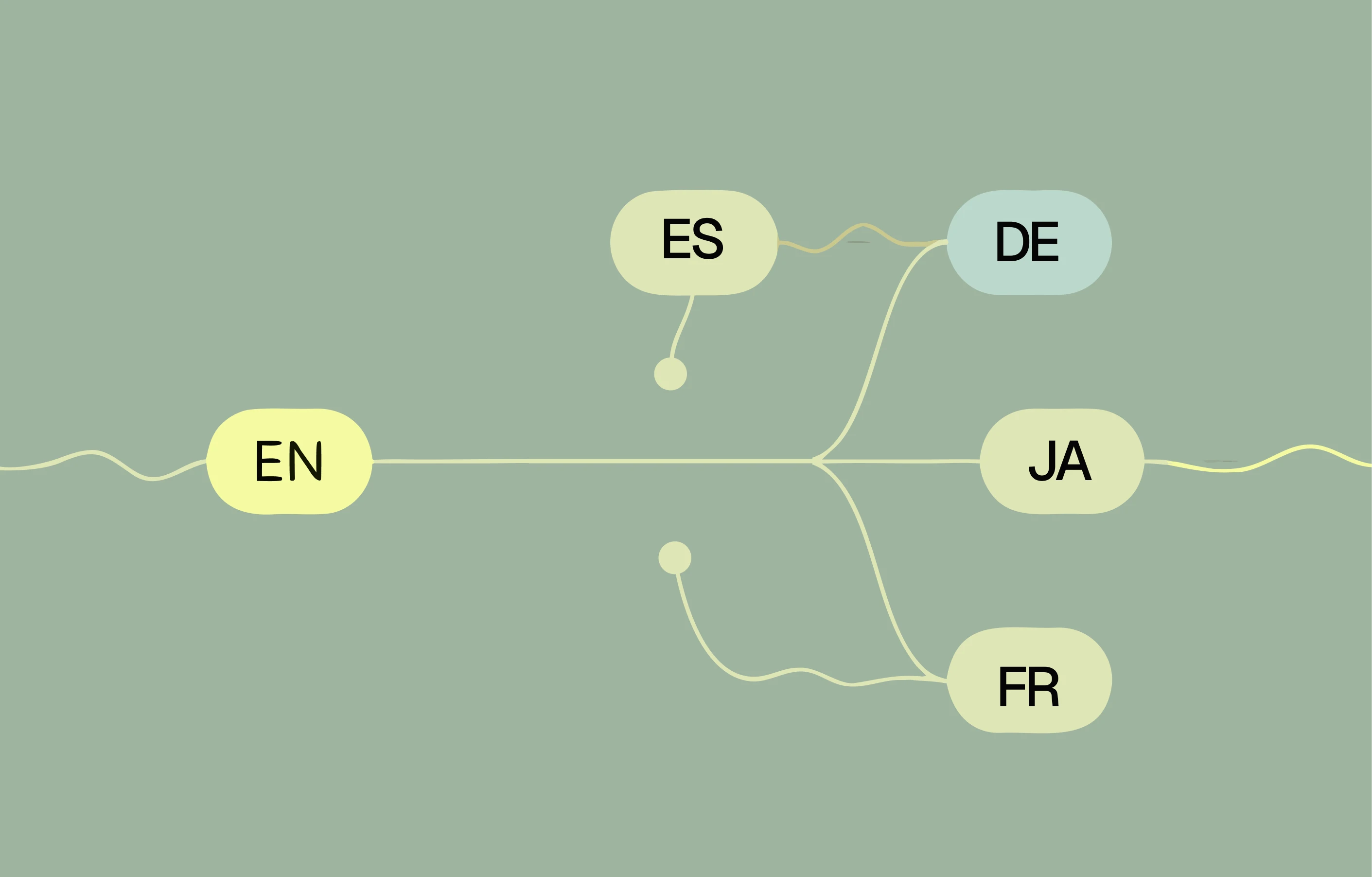
You made a great product demo or training video. Now half of your audience can't use it, because it's in a language they don't speak. Historically, fixing that meant hiring translators, booking new voice talent, and re-editing the whole thing per language, an expense so large that localization was reserved for the biggest launches only.
AI video translation changes that math. You can now take a finished video and produce a version narrated in another language, in the same voice, in minutes. Here's how it works and how to do it well.
Subtitles are not localization
The cheap answer is to slap on subtitles. It's better than nothing, but it's not the same as a localized video. Subtitles force viewers to read while watching a UI, exactly the moment their attention is already split between the screen and the step they're trying to follow. For a product demo or a training walkthrough, that split attention is costly.
Translated narration removes that tax. The viewer watches the screen and listens in their own language, the way the original audience did. That's the difference between a video someone tolerates and one they actually learn from.
How AI video translation actually works
When you translate a video with Super.degree, a few things happen in sequence:
- The script is translated into the target language, so you're localizing the meaning, not doing a word-for-word swap.
- Narration is regenerated in your cloned voice, so the German or Japanese version still sounds like you, not a stranger.
- Captions are regenerated in the new language to match.
- Timing is re-fit to the visuals, because a sentence that's short in English may be long in Spanish.
Because the narration is generated from text rather than a recorded take, the same source video can be spun out into dozens of languages without ever re-recording anything.
Why voice-cloned translation matters
Keeping the same voice across languages isn't vanity, it's consistency. For a brand, it means your product sounds like one company everywhere it's sold. For a creator, it means your audience in another country still recognizes you. A generic text-to-speech voice per language fragments that identity; a cloned voice preserves it.
Who should be translating their videos
If any of these are true, localization is probably the highest-ROI thing you can do with content you've already made:
- SaaS teams selling into multiple regions who want demos and onboarding in each market's language.
- Support and success teams whose help center serves a global user base.
- Ops and L&D teams training a distributed or multilingual workforce.
- Creators and educators who want to grow an audience beyond their native language.
A practical rollout
Don't try to localize everything at once. Start by translating your highest-traffic assets, the main product demo, the top three help videos, the onboarding walkthrough, into the two or three languages where you have the most users. Measure whether activation or ticket volume moves in those markets, then expand. Because regenerating a translation is cheap, you can treat localization as an experiment rather than a committed budget line.
Global reach used to be a privilege of scale. Now it's a setting. If you haven't built the source videos yet, start with turning a screen recording into a polished video, then see the plans to translate it everywhere.